

Docs Set up
Markets and tracked questions
A market is a country and a language. Tracked questions are what fixvis asks the AI engines in each market.
Markets
fixvis scans each market every day. gorusmeyap.com tracks Türkiye in Turkish and Germany in German. Your plan sets how many markets you can add.
| Plan | Markets | Tracked questions |
|---|---|---|
| Free | 1, detected for you | 10 |
| Starter | 1 | 20 |
| Growth | 2 | 60 |
| Pro | 3 | 150 |
| Enterprise | Up to 10 per site | By agreement |
Tracked questions
fixvis drafts a question set for each market and explains why each question is on it. You confirm, edit or replace them. Questions come from one pool shared across your sites and markets.
Open Tracked questions
It's under Setup in the left menu.
Review the suggestions
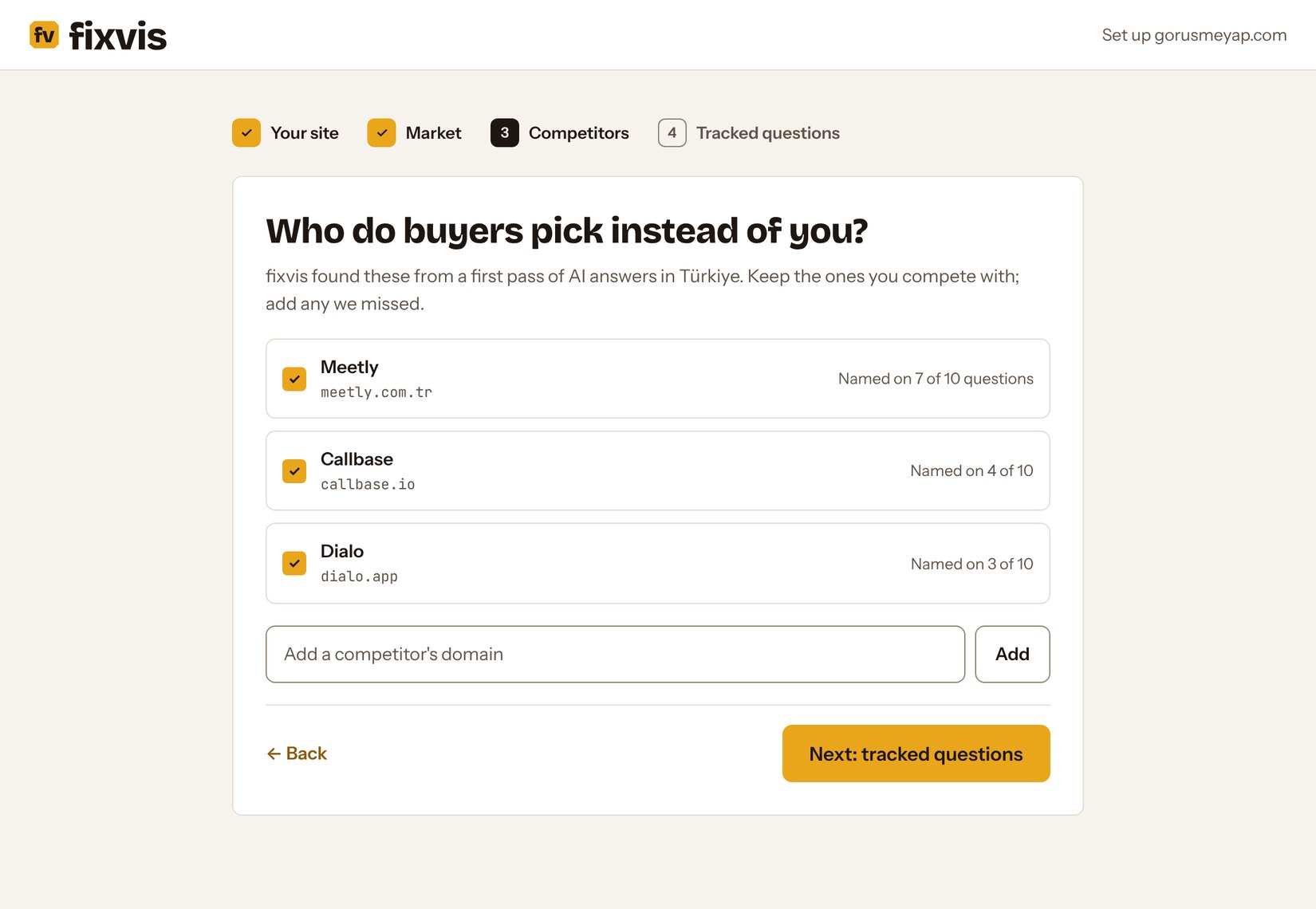
Each question shows the reason fixvis picked it, such as a competitor being named for it today.
Confirm or edit
Keep the questions your buyers really ask. Write them the way a buyer would type them, in the market's language.
Tip
Mix three kinds: questions about you (“What is Görüşme Yap?”), category questions (“best online booking platforms in Türkiye”) and problem questions (“booking and video calls in one place”). Category and problem questions are where competitors win.